Save in a tap
Copy in any app, open Clipboard Vault and tap Capture. Or share text, links, photos and files to it straight from Safari, Photos or Files.
- Text, links, images, colors and files
- Offers to save new clipboard content when you open the app
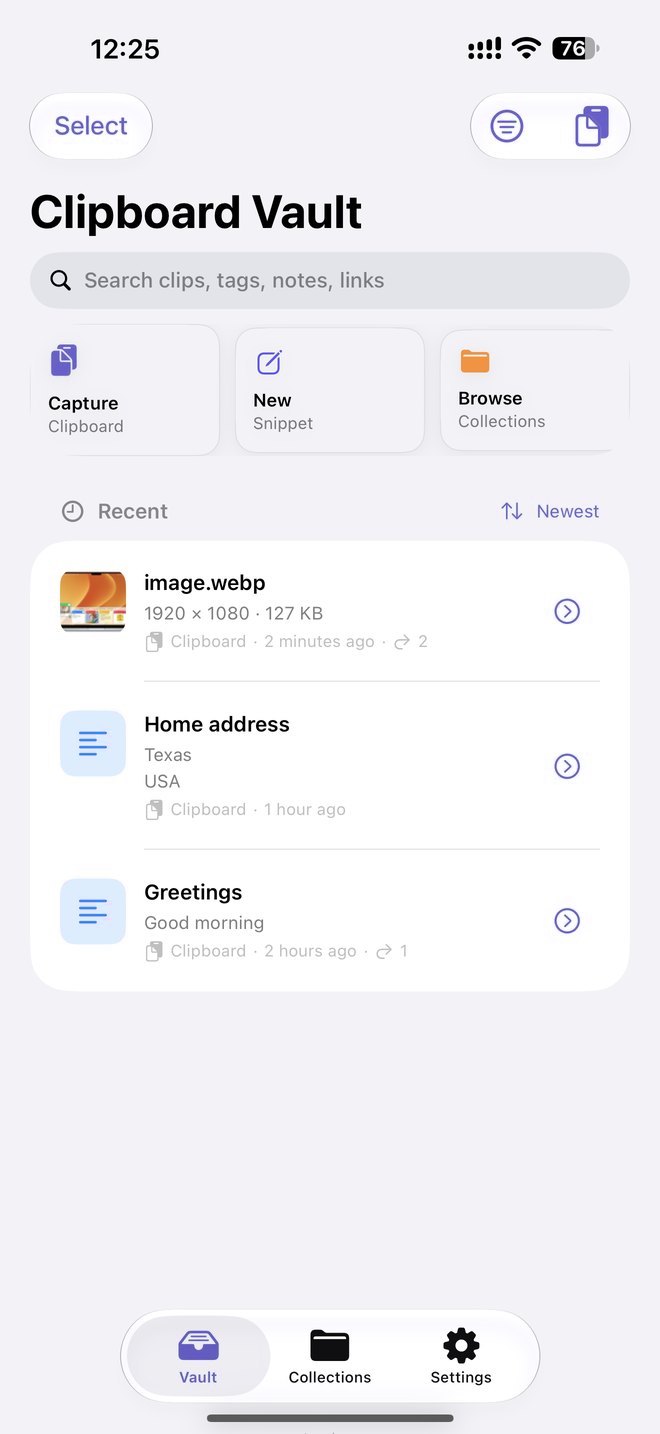
Clipboard Vault saves the text, links and images you choose, finds them in seconds and puts them on your keyboard in any app.
Your iPhone clipboard holds one thing at a time. The address, the link, the reply you wrote yesterday are gone the moment you copy again.
Copy in any app, open Clipboard Vault and tap Capture. Or share text, links, photos and files to it straight from Safari, Photos or Files.
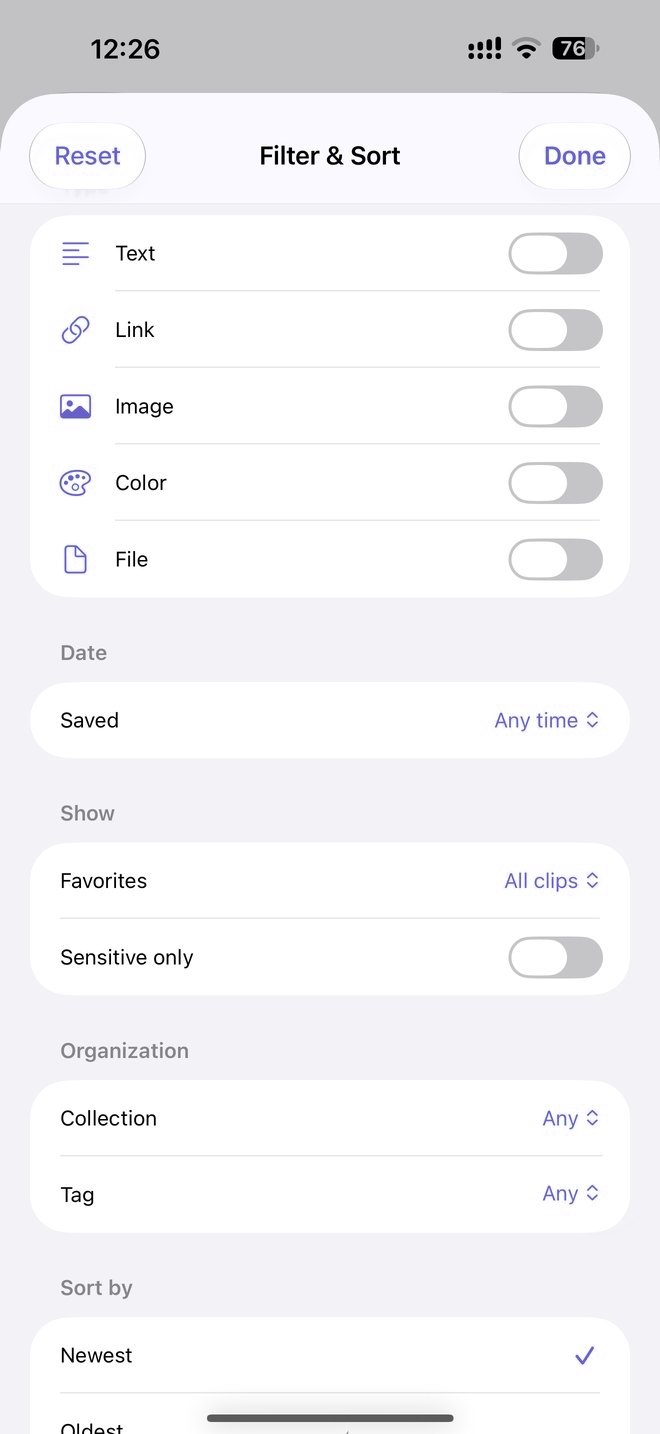
Search across titles, text, notes, tags, links and collections. Narrow it down by type, date, favorites, collection or tag.
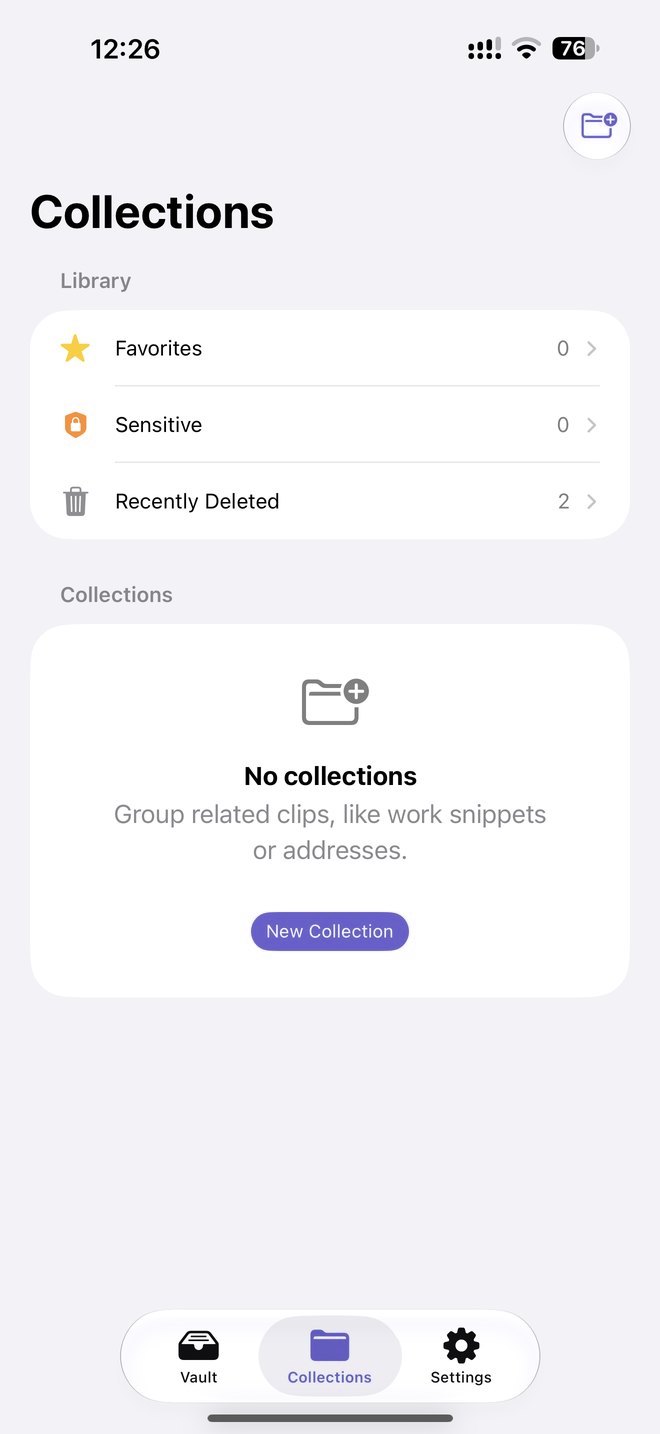
Group clips into collections with your own emoji and color. Favorites stay on top, and deleted clips wait 30 days in Recently Deleted.
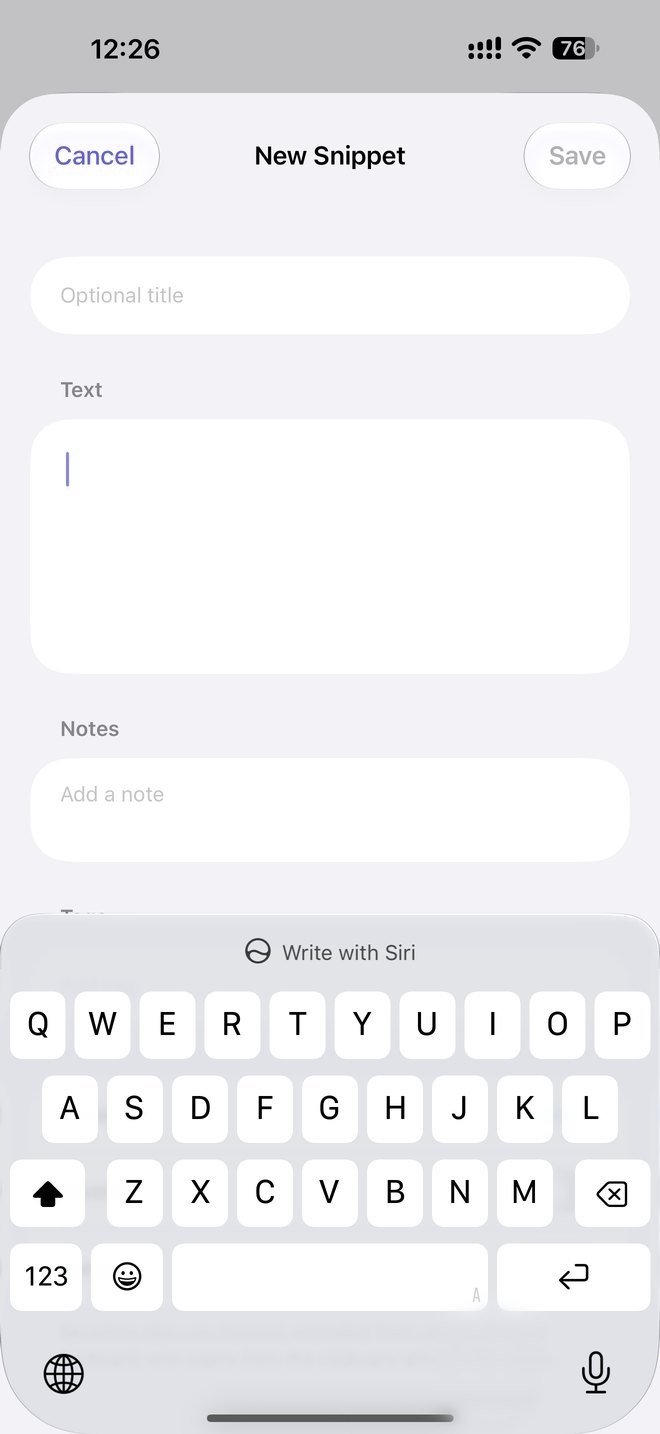
Save the addresses, replies and code you type over and over as snippets, with an optional title and a note to remember why.
The Clipboard Vault keyboard is a full keyboard with your saved clips along the top. Tap a clip and it's typed where your cursor is.
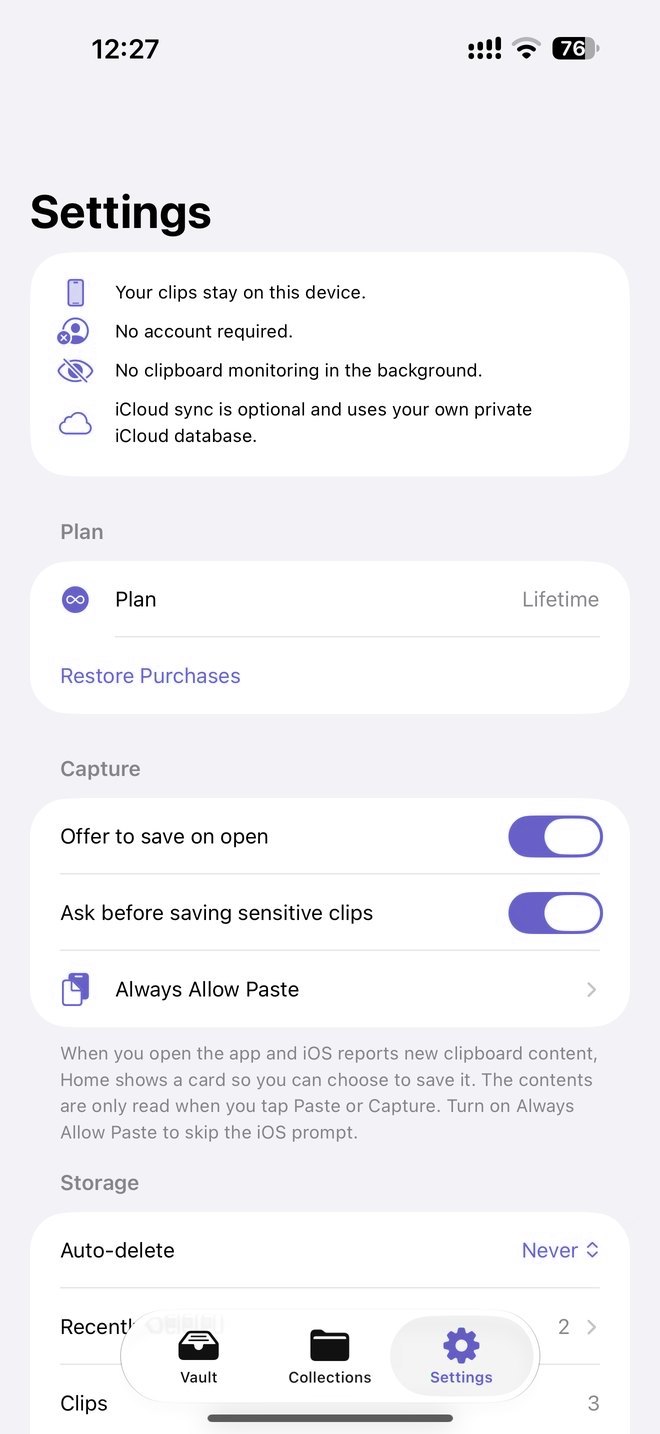
Your clips stay on this device. Passwords, codes and card numbers are spotted on your device, masked and kept off the keyboard.
Your clipboard forgets the moment you copy again.
Clipboard Vault keeps what you choose, ready in any app.
An address in Mail, a link in Safari, a reply you wrote once. Copy it the way you always do.
Open Clipboard Vault and tap Capture, or share to it from the app you're in. Add a title, tag or collection if you like.
Tap a clip to copy it, or switch to the Clipboard Vault keyboard and tap it straight into any text field.
There are no servers, no analytics and no third party code. The App Store privacy label reads Data Not Collected.
Clips live in the app's private storage, shared only with its own keyboard and share extension.
No sign up, no email, no login. Open the app and start saving.
The clipboard is read only when you tap Capture or Paste, or share something to the app.
Likely passwords, one time codes, card numbers and API keys are detected on your device, masked and left out of search and the keyboard.
Lock the app with Face ID, Touch ID or your passcode. Emergency Wipe erases everything at once.
Off by default. When on, clips sync through your own private iCloud database, encrypted with keys in your iCloud Keychain.
No subscription, ever.
Download and start saving
A single in app purchase
US price. The App Store shows the price for your country.
No. iOS doesn't allow it and the app doesn't try. It reads the clipboard only when you tap Capture or Paste, or when you share something to it. When you open the app it can check whether there's something new, without reading it, and offer to save it.
No. There's no sign up and no login. Open the app and start saving.
On your device. If you turn on iCloud Sync, they're also stored in your own private iCloud database, which the developer can't access.
Tap any clip in the app to copy it. To paste without leaving the app you're in, add the keyboard in Settings › General › Keyboard › Keyboards › Add New Keyboard, then switch to it with the globe key and tap a clip. It doesn't need Full Access.
They're detected on your device and the app asks before saving them. Saved sensitive clips are masked until you reveal them, and they're left out of search and the keyboard.
The free plan keeps each clip for 7 days. Lifetime is a single purchase that keeps your clips forever. There's no subscription.
Yes. Deleted clips stay in Collections › Recently Deleted for 30 days before they're removed for good.
Yes. Clipboard Vault runs on iPhone and iPad with iOS 17 or later.
Free on iPhone and iPad. No account, no tracking, no subscription.